minibrowser
The Legend of Zelda The Wind Waker (amp) I believe the first for this game!
13 July 2005
Official art used from the game booklet, the website, and screenshots (which were,
I might add, a pain in the butt)
Photoshop 6.0 used as well as AWicons Pro for the super cursors...
SPECIAL NOTE: To shuffle/unshuffle, simply press Tetra's bandana thing (green=shuffle
red=straight through)
To eject, click Grandma's face and her eyes will open up
To access the misc tools in the PL, click the fishman's head
TO select a preset in the EQ, click the pictobox!
There are other little animations too, if you look carefully when
using winamp!!
I hope anyone who's played the game can see all of the little elements I've included,
and that I've tried to capture the brightness and cleanness of the game's art.
Any requests for future Zelda skins would be much appreciated and can be posted on
the reviews page for this skin.
any suggestions or concerns can be reported to me:
Ryan Ferland
info-is@in-file
Since I'm on summer break, much better things will come!
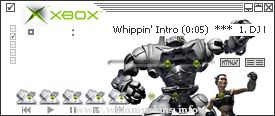
This isn't the most beautiful skin around but it's functional. I've made it minimilist so as not to obscure the artwork generated for the XBOX demo (as featured in the skin). I hope some folks use it because I'll probably get my ass kicked if it's ever se ...
This is an alternate frontend for nullsoft's winamp.
(visit http://www.nullsoft.com and http://www.winamp.com for more info).
Unzip all files to the /winamp/skins/ directory. Then choose Options,
Select skin from the pulldown menu.
--------------- ...
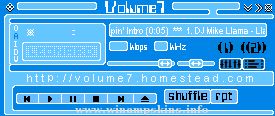
"bloo plastik"
Began: October 6, 2002
Completed: October 6, 2002
I started designing this skin a couple of weeks ago. I decided to start it today (began date), and I finished it today as well.. It was an easy skin to make.. I am very proud of w ...
-Anomaly-
created by dark ninja aka Jacob
website : http://www.dar-kuma.tk
e-mail : info-is@in-file
----------------------------------------------------------------------
date started : 05 August 2005, 23:01:03
date finished : 13 August 2005, 22 ...