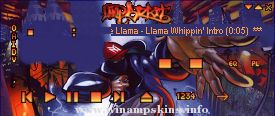
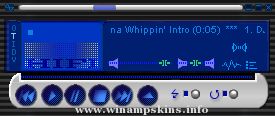
Night Dash
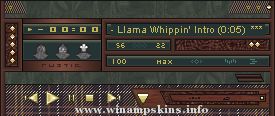
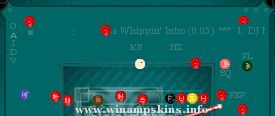
"Car Dials/Buttons/Stereo by Night" Skin by EJ
Playlist Font:
Set as "Small Fonts", which looks rubbish above size 9.
Change font size to 9 in Options, Preferences, Playlist, Playlist Editor Appearance, Playlist Font Size.
[Also you can do this by selecting the playlist window, pressing 'Ctrl' & Numberpad '+' or '-']
You can also change to whatever font you want to use by dechecking "Use Skin or Language Pack Font"
Comments welcome
[You can email info-is@in-file with feedback or suggestions, or use winamp feedback]
L I G H T A M P !!.
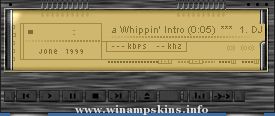
Electric Blue
->-
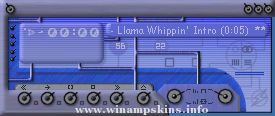
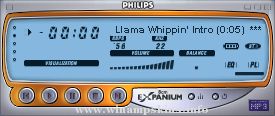
If you know the past version you relly see the extraordinary change in this one.
principally the look of the skin has been enhance an a profesional quality level, semi tra ...
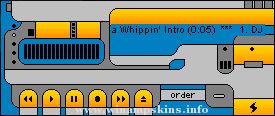
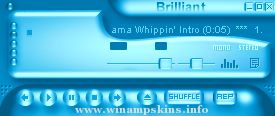
"bloo plastik"
Began: October 6, 2002
Completed: October 6, 2002
I started designing this skin a couple of weeks ago. I decided to start it today (began date), and I finished it today as well.. It was an easy skin to make.. I am very proud of w ...
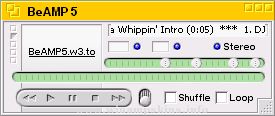
WinAmp skin by keith hall / roving cowboy.
THIS WINAMP SKIN IS ALSO USEABLE WITH MEDIA MONKEY .
MEDIA MONKEY PLAYER.
Only uses the main player images from winamp.
And it needs to have the sdb background files it uses them for the backgrounds ...